
Tasks
Each project has a lightweight task tracker in the right panel — designed for capture speed, not ceremony.
Capturing and editing
- Type into Capture a task… and press Enter.
- Click a title to edit it inline.
- Click the status chip to move it through
draft → todo → in progress → ready for review → done. - Hover a card and click the trash icon to delete (with an inline confirm).
Board views
Toggle List / Board for a per-project kanban:
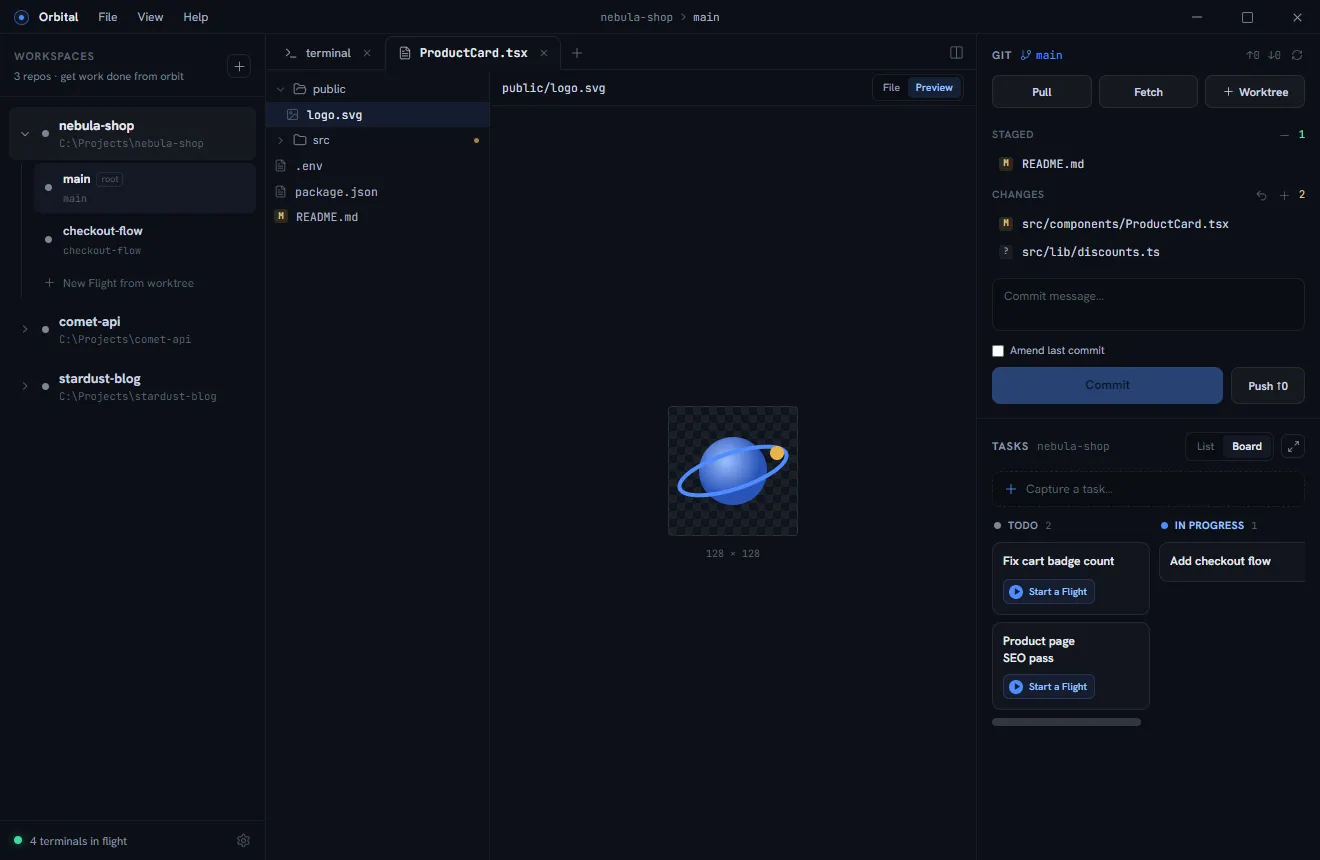
The expand button opens the full board — every project as a swim-lane, with drag-and-drop between status columns and between projects:
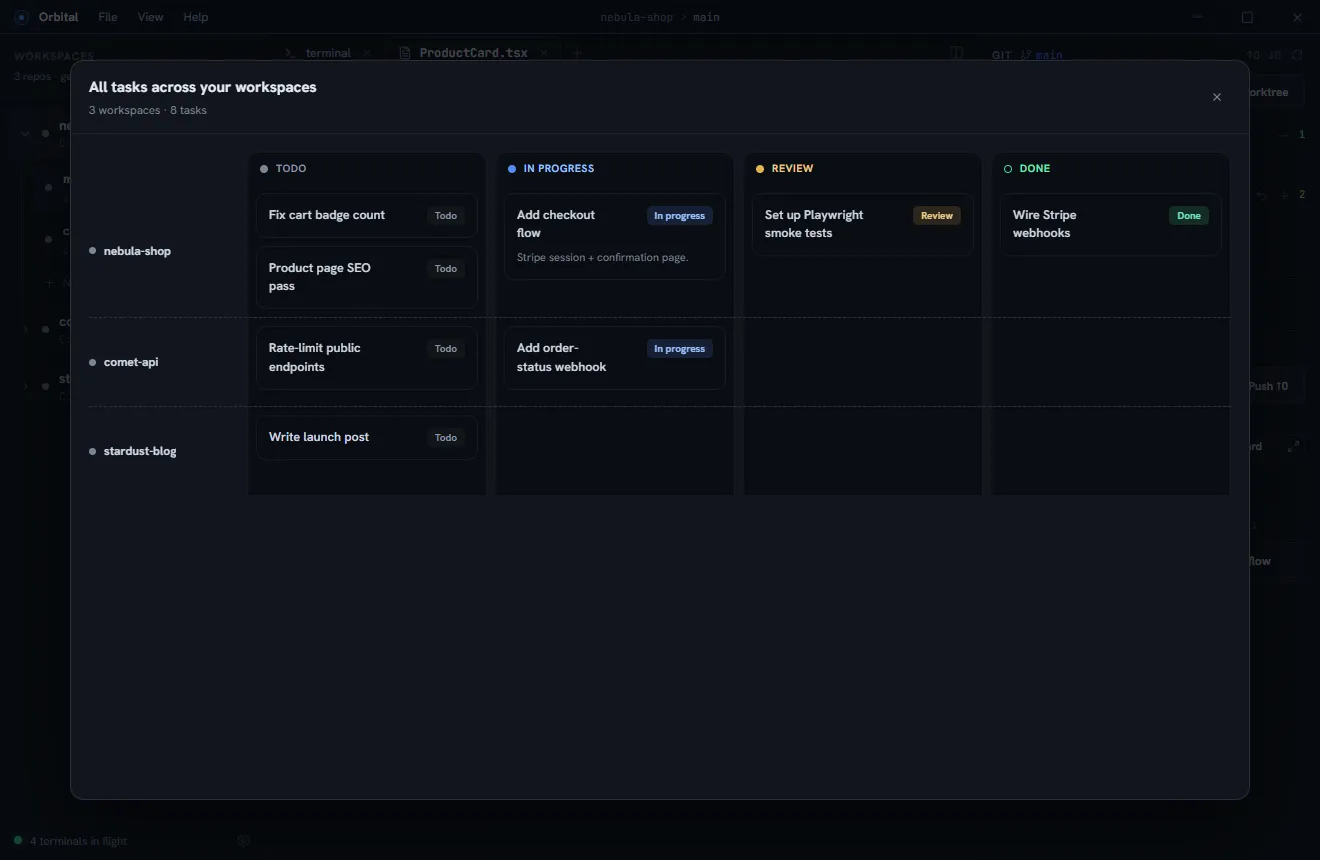
From task to worktree
Press the ▶ button on any unlinked task to open New Worktree pre-filled and pre-linked: the branch name comes from the task title, and once created the task shows a link to its worktree. Finish the work, mark the task done, delete the worktree — the full loop lives in one panel.
Tasks for agents
Agents see the same board through the orbital CLI:
orbital task add "Fix cart badge count" --description "Badge shows items, not quantity"orbital task list# ID STATUS TITLE# f907b669 in_progress Add checkout flow# cfff155f todo Fix cart badge countorbital task update f907 --status ready-for-revieworbital task done cfffIDs accept unique prefixes, so agents can pipe task list output straight back
into task update. A well-briefed agent files discovered work instead of
drifting scope, and marks its own task ready for review when it stops.